
Screaming Frog vs Toolsvale Broken Link Checker Comparison
Screaming Frog vs. a Browser-Based Broken Link Checker: Which One Actually Fits the Job
You’re here for one of two reasons. Either Screaming Frog just told you “500 URLs” and stopped, or you’re about to install a desktop app just to check whether a client’s site has dead links, and something about that feels like overkill. Both are good reasons. Here’s the honest comparison — including where Screaming Frog is flatly the better tool, because it usually is for the deeper job.
Short answer
Screaming Frog is a full technical SEO auditing platform that happens to check for broken links extremely well, among 300+ other things. A dedicated browser-based broken link checker is a single-purpose tool that does one job — find every dead link and show you exactly where it lives — without an install, a RAM ceiling, or a learning curve. If you need XPath extraction, JavaScript rendering, GA/GSC integration, or crawl comparison, Screaming Frog is not really optional. If you need a fast, complete, exportable list of broken links on a site of any size, right now, from whatever device you’re on, a browser-based checker gets you there faster.
What Screaming Frog actually is
Screaming Frog SEO Spider is the closest thing technical SEO has to an industry standard. It’s a desktop crawler for Windows, macOS, and Linux, and the free version crawls up to 500 URLs — enough for a small brochure site, not enough for most real client work. A paid licence is £199/year and removes the crawl limit, unlocking JavaScript rendering, custom extraction via XPath or regex, Google Analytics and Search Console integration, crawl comparison, and scheduling. It’s genuinely the right tool when broken-link checking is one part of a much larger technical audit — duplicate content, redirect chains, hreflang, structured data, page speed, the whole list. Agencies and in-house SEOs who live in this tool daily aren’t wrong to.
The trade-off is what you’d expect from professional desktop software: it has to be downloaded and installed, it uses your machine’s memory and processing power (which matters on a large crawl), and there’s a real interface to learn before “find broken links” is a two-click action rather than a “which tab, which filter” exercise. None of that is a flaw — it’s the cost of a tool built to do 300 different jobs well. It’s just not free if the only job you have today is one of them.
What a browser-based checker is actually for
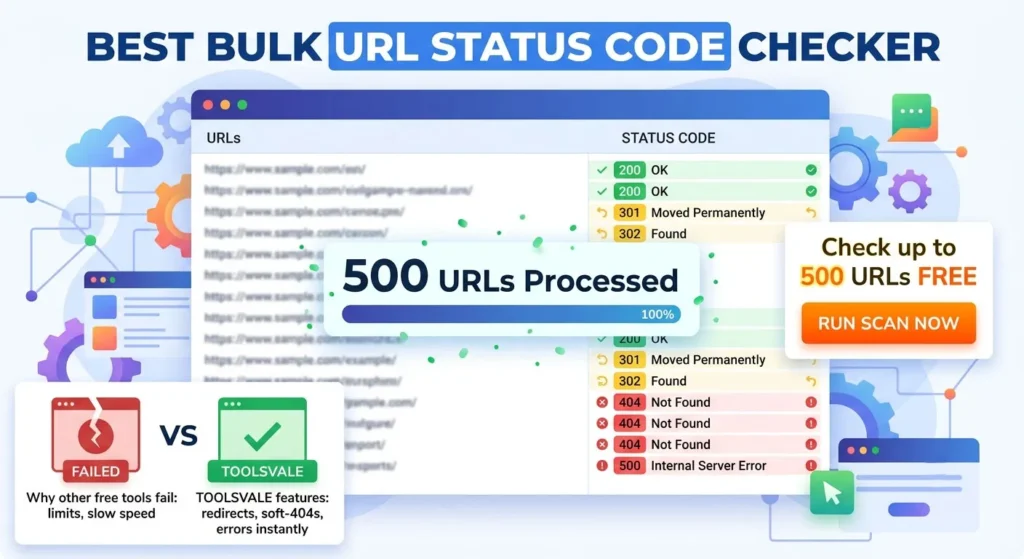
A tool like ToolsVale’s Broken Link Checker exists for the narrower moment: you need to know what’s broken on a site, right now, without installing anything, without hitting a 500-URL wall, and without paying for capability you won’t use again this month. Paste a URL, pick a crawl size up to 10,000 pages, and results stream in live — you can start fixing while the crawl is still running instead of waiting for a spinner to finish. Every broken link shows the exact page it’s found on and its anchor text, so there’s no second step of hunting through the site to locate the source. Results export straight to CSV or Excel, in a format a developer or client can act on without cleanup.
The part that actually matters day to day is how it handles status codes. Most free checkers lump everything that isn’t a 200 into “broken,” which means every firewall rejection (403) or rate limit (429) shows up as a false alarm you have to manually rule out. This one buckets those separately as “Blocked,” so what’s left under “Broken” is a real fix list — 404s and 410s, not noise. Redirects show their hop count too, so a chain worth shortening is visible instead of quietly passing as “fine.”
Head-to-head, honestly
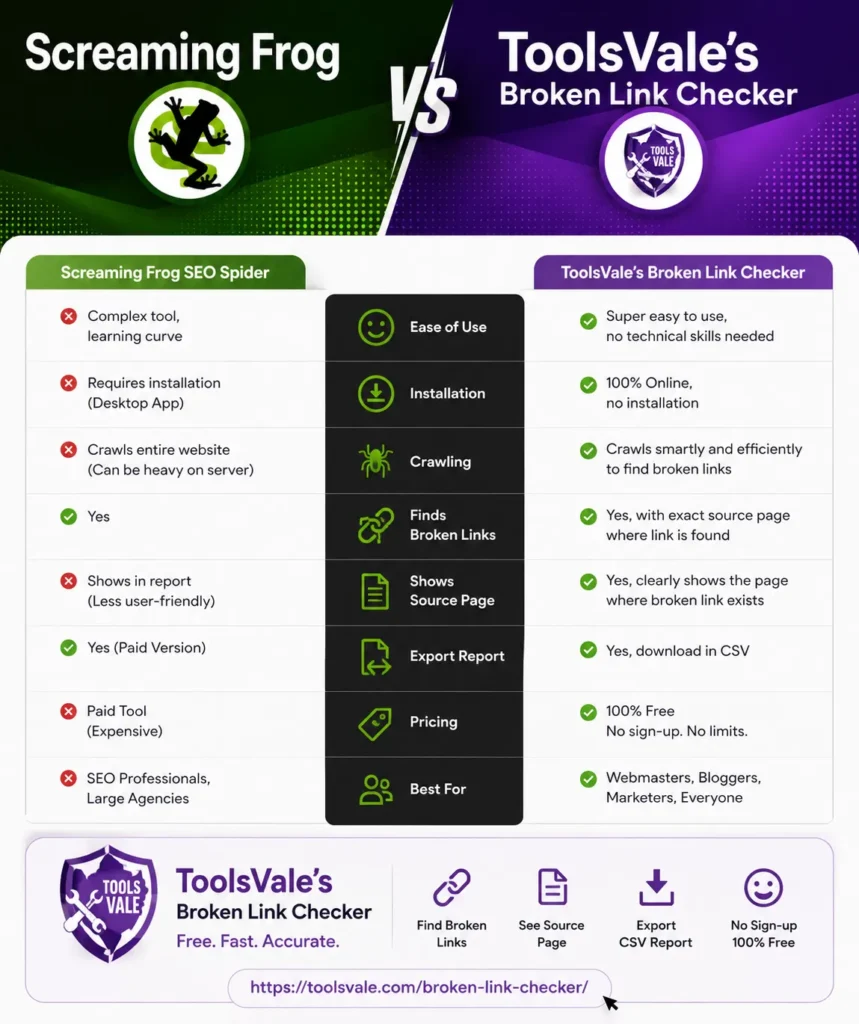
| Screaming Frog (free) | Screaming Frog (paid, £199/yr) | Browser-based checker (ToolsVale) | |
|---|---|---|---|
| Install required | Yes — desktop app | Yes | No |
| Pages per crawl | 500 | Unlimited (RAM-dependent) | 10,000 per run, continuable |
| Runs on mobile / tablet | No | No | Yes |
| Live streaming results | No — wait for crawl to finish | No | Yes |
| Shows source page + anchor text | Yes | Yes | Yes |
| Separates “Blocked” (403/429) from genuinely broken | Not by default | Configurable | Yes, by default |
| JavaScript rendering | Limited on free | Yes | No |
| XPath / custom extraction | No | Yes | No |
| GA / GSC / PSI integration | No | Yes | No |
| Crawl comparison over time | No | Yes | No |
| Full technical SEO audit (300+ issues) | Partial | Yes | No — broken links only, by design |
| Cost | Free | £199/year | Free |
The columns aren’t competing for the same job. Paid Screaming Frog wins decisively the moment the task is “audit this site’s technical SEO.” A browser-based checker wins decisively the moment the task is “find every broken link on this site without installing software or hitting a page cap” — which, for most people typing “broken link checker” into Google, is the actual task.
Where each one is the clearly wrong choice
Don’t use Screaming Frog’s free tier if…
…your site has more than 500 URLs. This is the single most common trigger for this exact search — the crawl stops mid-audit and either you pay £199/year for a job you’ll do once, or you look for something else. That’s a real, avoidable friction point, and it’s the honest reason a lot of people end up comparing these two tools in the first place.
Don’t reach for a browser-based checker if…
…you need to see why a page is underperforming, not just whether a link is dead — duplicate titles, missing hreflang, JS-rendered content issues, redirect loops beyond a single hop. That’s a full-audit job, and pretending a single-purpose tool covers it would be the same dishonesty most “vs” pages traffic in. It doesn’t, and it isn’t trying to.
What causes broken links, and why it doesn’t matter which tool finds them
Links break the same way regardless of which crawler you use to find them: a page gets renamed or deleted without a redirect, a permalink structure changes and thousands of old URLs stop resolving, a typo slips into an href, or an external site you linked to moves or disappears — something entirely outside your control that you still pay for in a worse user experience. The larger and older a site gets, the more of this accumulates silently. That’s the actual argument for checking regularly, on whichever tool fits the moment — a monthly pass with a browser-based checker for a quick pulse-check, a full Screaming Frog audit before a migration or redesign.
What neither tool can do
Being straight about this matters more than most comparison posts bother with. Neither Screaming Frog’s crawler nor a browser-based checker can find true orphan pages — if nothing links to a page and it isn’t in your sitemap, no crawler discovers it, full stop. Both miss links that are injected purely by client-side JavaScript unless rendering is explicitly enabled (paid Screaming Frog can do this; most lightweight checkers, including this one, read server-rendered HTML only). And both will occasionally flag a false “blocked” or “timeout” from a strict firewall or a slow server — that’s a reason to re-check, not necessarily a reason to panic.
The actual decision
If broken links are one line item in a broader technical audit you run regularly, and you’re comfortable with desktop software, get the Screaming Frog licence — £199/year is genuinely cheap for what it replaces in manual work, and nothing else on the market matches its depth.
Need a complete, exportable broken-link report today — from any device, no install, no 500-page wall?
Feature comparisons are based on each tool’s current publicly listed plans. Free-tier limits and pricing change — if you spot something that’s out of date here, let us know and we’ll re-verify it.